Community Release Notes highlight the recent improvements we’ve made to the Community platform, so you can easily stay up to date on what’s new.
Our Q3 deployments saw the release of our new Packages space, and brought extra value to you through improved content usability.
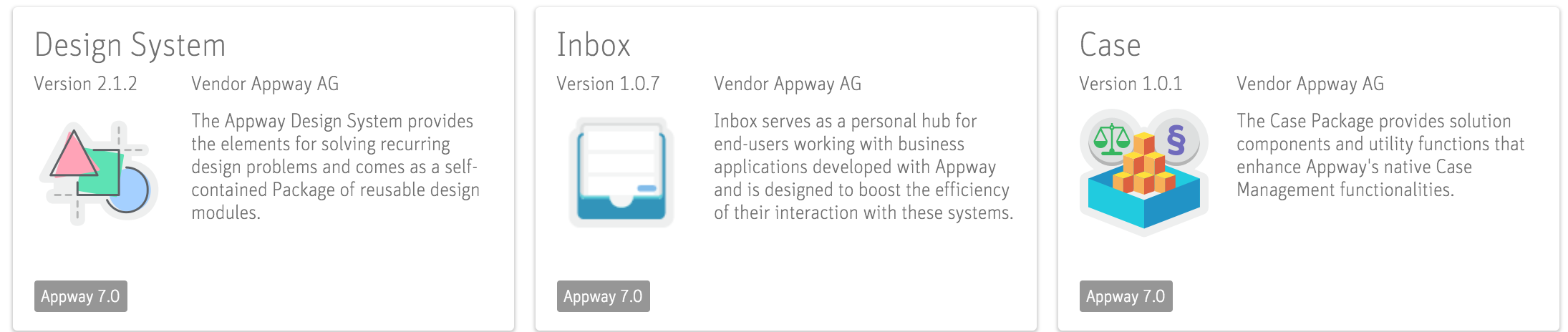
The major highlight of our Q3 effort is the newly-available Packages page. Download ready-to-use Packages to bootstrap your projects and kickstart your Appway solution development. Our official Appway Packages cover a wide range of topics, from design to utility functions. You can read up about it here and get started immediately!
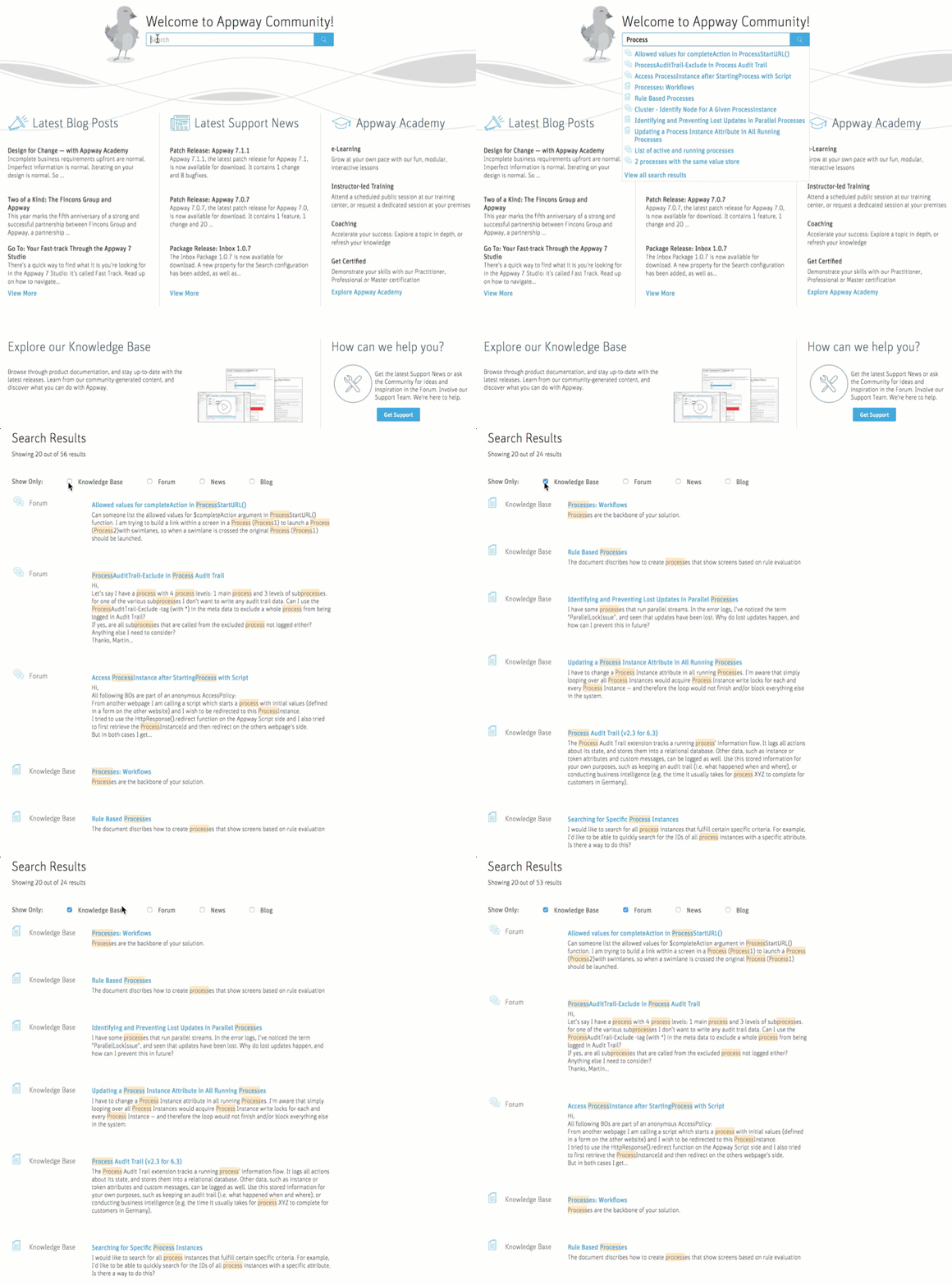
When you've come to our Knowledge Base for help or guidance — or if you're just browsing to see what's new — we want to make sure you find what it is you're looking for. With the features released in Q3 you can now filter your search results: If you already have a rough idea of the kind of content you want, you can refine the results according to type. Simply select the checkbox for the Blog, Forum, or wherever you want to target.
We use the Community site a lot ourselves: We're using Appway to build this platform, so every so often we also need to go look something up in the Knowledge Base! We understood that the initial search implementation wasn't as performant as it could be, so we invested time this past quarter in making sure we reduced the time taken to find results. While we optimized for speed, we also boosted the relevance factor. So after the latest iterations, you should now find what you're searching for, faster.
A picture is worth a thousand words, or so the saying goes. But if those pictures are small and cannot be enlarged then their value maybe… diminishes? We decided to tackle that. When you're in the Knowledge Base you can now click on an image, and it will display at the maximum dimensions we have available. This feature is not yet available for users on Firefox, but we're aiming to have this fixed by the end of the year.
The other major feature improvement we've made to our content in Q3 is the addition of a clickable table of contents. Instead of scrolling up and down to navigate through the sections, you can just take a look at the top right corner of the article, and click on the section you're interested in. You'll be taken straight there.
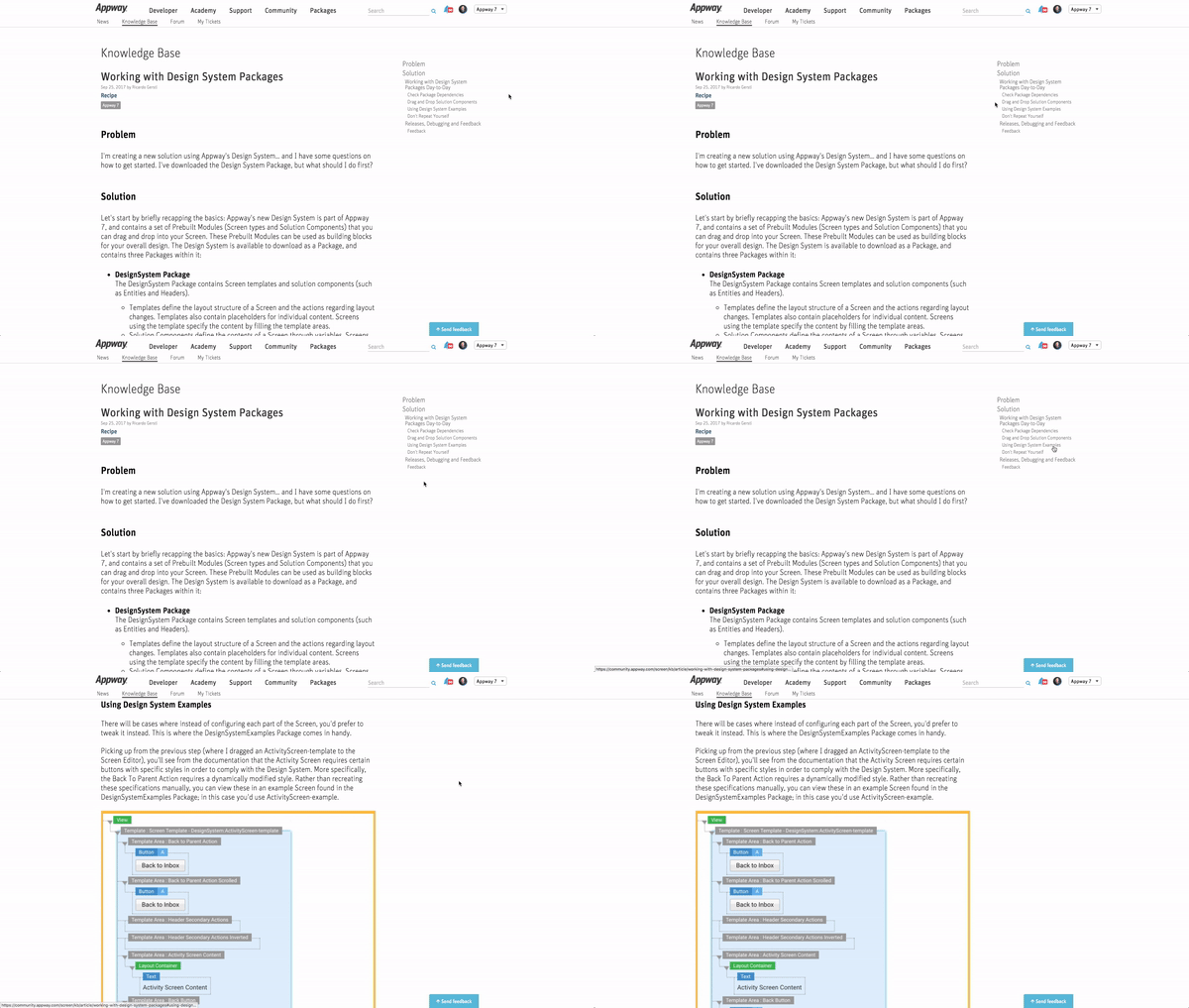
If you want to share a specific chapter or section with someone, you can also right-click the entry in the table of contents > Copy link, and share the dedicated URL with them.
We've been busy making improvements across the rest of the platform as well, front and back end. From a much smoother experience if you're uploading attachments to support tickets, to improved site usability for our in-house editorial team, we're proud of what we've achieved over the past couple of months.
Most importantly, we hope we're constantly improving your experience here on Appway Community. If you have any feedback about things mentioned in this release update — or ideas you'd like to share — please contact us at community@appway.com